


Common DSC Errors and Their Solutions

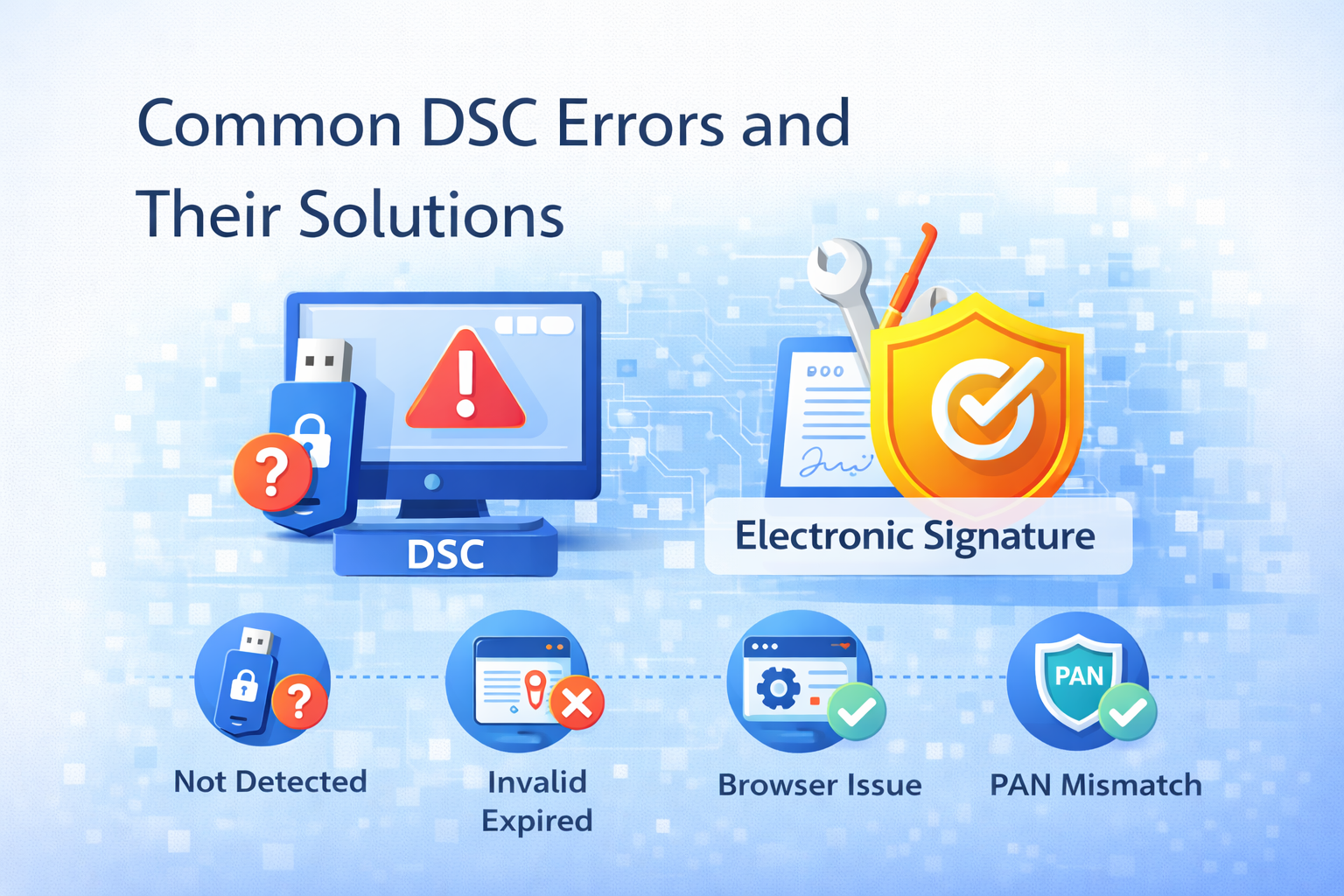
Introduction
A Digital Signature Certificate (DSC) is essential for secure online filings such as GST, MCA, Income Tax, and e-tendering. However, many users face technical issues while using DSC, which can delay important submissions.
In this blog, we will discuss the most common DSC errors, their causes, and simple solutions to fix them quickly.
Common DSC Errors and Their Solutions
DSC Not Detected Error
Problem:
System or portal does not recognize the DSC USB token.
Solution:
-
Ensure USB token is properly connected
-
Install the correct USB token driver
-
Restart the browser and system
-
Try using another USB port
Invalid or Expired DSC Error
Problem:
DSC has expired or is not valid for the selected service.
Solution:
-
Check DSC expiry date
-
Renew DSC before expiry
-
Use the correct DSC class (Class 2 or Class 3)
DSC Not Registered on Portal
Problem:
DSC is not mapped or registered on GST, MCA, or IT portal.
Solution:
-
Log in to the respective portal
-
Register or update DSC
-
Ensure the correct user role (Director/Authorized Signatory)
Browser Compatibility Issues
Problem:
DSC works on one browser but not on another.
Solution:
-
Use recommended browsers like Chrome or Edge
-
Update browser to the latest version
-
Enable pop-ups and Java settings if required
Java or EmSigner Error
Problem:
EmSigner or Java utility not working.
Solution:
-
Download the latest EmSigner from the portal
-
Run EmSigner as administrator
-
Check firewall and antivirus settings
PAN or Name Mismatch Error
Problem:
Details in DSC do not match portal records.
Solution:
-
Verify PAN and name spelling
-
Update profile details on the portal
-
Apply for DSC correction if required
Token Password Incorrect
Problem:
Wrong USB token password entered multiple times.
Solution:
-
Carefully re-enter password
-
Contact DSC provider if token is locked
-
Avoid multiple wrong attempts
Certificate Chain Not Found Error
Problem:
System cannot validate certificate authority chain.
Solution:
-
Install root and intermediate certificates
-
Update system security certificates
-
Reinstall DSC drivers
Tips to Avoid DSC Errors
-
Always keep DSC drivers updated
-
Renew DSC before expiry
-
Use correct DSC class
-
Keep system and browser updated
-
Store USB token safely
Conclusion
DSC-related errors are common but easy to resolve if you understand their cause. By following the above solutions, users can avoid delays in GST, MCA, Income Tax, and tender filings. Regular maintenance and timely renewal of DSC ensure smooth and hassle-free digital compliance.
Written by:
Abhishek Gupta
Chartered Accountant
Office No. 19, Sagar Building, 4th Floor, Plot-327,
Narshi Natha Street, Masjid Bunder (West),
Mumbai – 400009
📞9324776120
🌐 www.consultguruji.com